

What’s inside
Everything you reach for between the fridge and the bench
Built by a lab scientist for the jobs that eat your day: making up solutions, following a method you’ve done once before, and checking you’ve understood a technique before you waste reagents on it.
Calculators
50+ calculators for everyday lab maths
Solutions, dilutions, assays, cell culture and molecular biology, plus standard curves, 4PL fits, ΔΔCt and a 96-well plate planner. Units are always shown, and you’re warned when a volume is too small to pipette. Save any result or add it to a protocol.
- Standard curves, 4PL fits and ΔΔCt
- 96-well plate planner and master mixes
Tools
Protocols, timers and paper to protocol
60+ ready-to-run protocol templates, from Western blots to CRISPR knockouts. Tick off steps as you go, with built-in timers and the right calculator on hand. Write your own protocols, import them from Word, or turn a paper’s methods into steps from its DOI or PubMed ID.
- Write your own or import from Word
- Export to Markdown, CSV or JSON
Paper to protocol
Turn a methods section into steps you can tick off
- Find the paper
Paste a DOI or PubMed ID, search Europe PMC, or upload the PDF.
- Pick a method
Mark lists the methods it describes, with the reagents and equipment it names.
- Run it
Save it as a protocol with timers and calculators in place, then tweak it for your lab.
Videos
50+ short technique videos
Clear walk-throughs from gel electrophoresis to flow cytometry: how each technique works, what to watch for and what usually goes wrong. Each video links to its protocol and its course.
- Linked to the matching protocol
Courses
50+ interactive technique courses
Each course starts with a two-minute film, then covers how the technique works and its history, with hands-on activities such as putting the steps in order, labelling a result and spotting the mistakes in a lab scenario. Then take a 10-question quiz. Score 8 out of 10 to earn the badge, and collect badges to move from Trainee to Principal Scientist.
- Score 8 out of 10 to earn the badge
- Badges move you up five levels
Statistics
The right test, explained, with the code
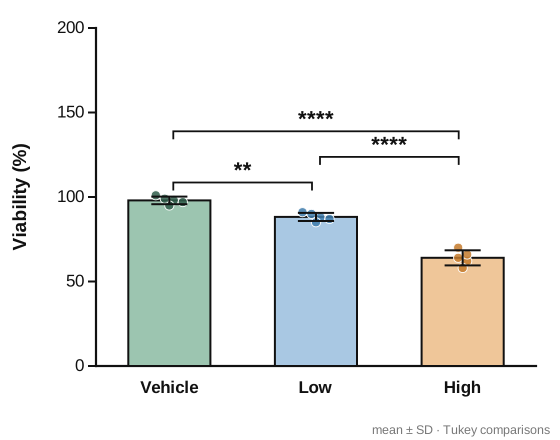
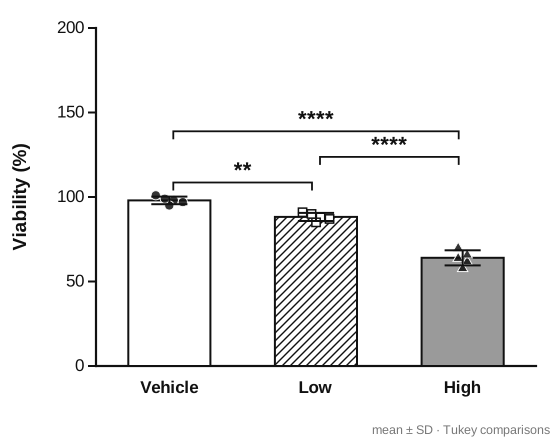
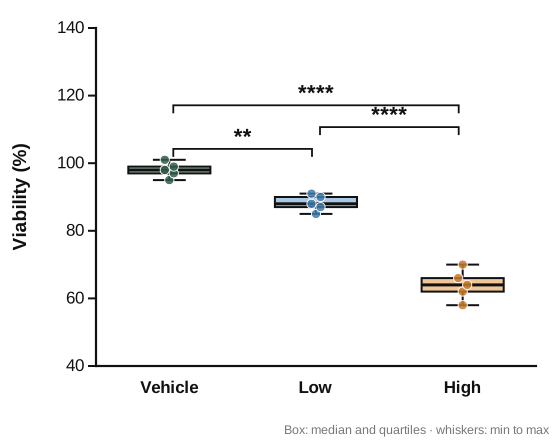
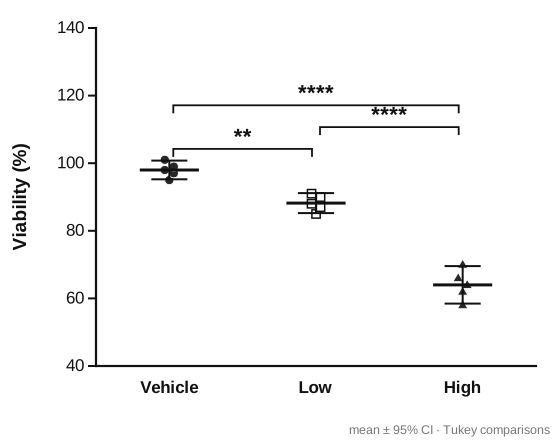
Answer a few plain questions about your data and Statistical Support picks the right test from 31, including several factors, repeated measures, several outcomes and logistic regression. Each one comes with its assumptions and how to check them, effect sizes and follow-up tests, an example results sentence, and ready-to-run code for R, SPSS, Stata, SAS and jamovi. Upload your data from Excel or CSV to run the test in the app: you get the results written up and a publication-style graph, checked against R, saved with the date in your folders. Style the graph your way: bars and points, points and mean, or box and whiskers; SD, SEM or 95% CI; colour or black and white, with a shape or pattern for each group.
- Code for R, SPSS, Stata, SAS and jamovi
- Several factors, repeated measures and several outcomes
- Analyses saved to your folders
- Graphs in colour or black and white, with a shape for each group
Example graphs from Statistical Support
All four come from the same example data, a few taps apart. Download any graph as PNG or SVG.
Project and publication planner
Plan every experiment for each project or paper
Add the projects and papers you’re working towards, with the funder or target journal and a target date. List the experiments each one needs and how many biological repeats, link a protocol, and BenchMark spreads the repeats over the coming weeks and puts them in your calendar. A timeline shows what’s done and what’s left, and each plan keeps one figure style so every graph matches.
- Experiments, repeats and a timeline for each project or paper
- Repeats added to your experiment calendar
- One figure style per paper, so every graph matches
Chat with Mark
Ask your lab tech in plain words
Ask Mark anything about science and lab work. He opens the right calculator or protocol, reads a paper and lists its methods, and replies in your language. He gathers answers from scientific sources on the internet and can be wrong, so check against your SOPs.
Stock
Never run out mid-experiment
Keep your own stock list with low-stock and expiry alerts, and map your freezers, fridges and cabinets down to each box, from 9×9 boxes to 96-well racks. Import a box layout from Excel or CSV and BenchMark recognises the format. On Lab, the whole group shares one list, with suppliers and catalogue numbers, and buy-ahead forecasts based on how often each protocol is run. Export the list when it’s time to order.
Sync
One profile on your phone, iPad and computer
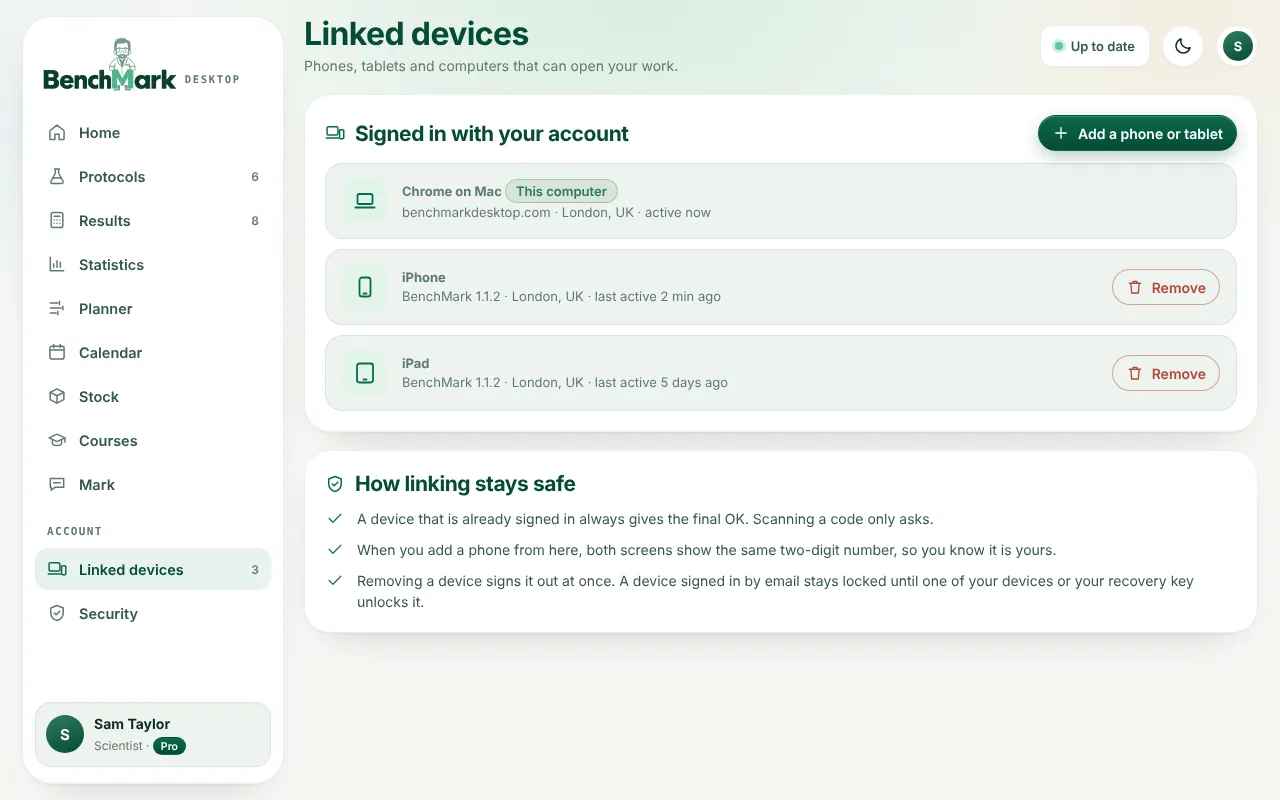
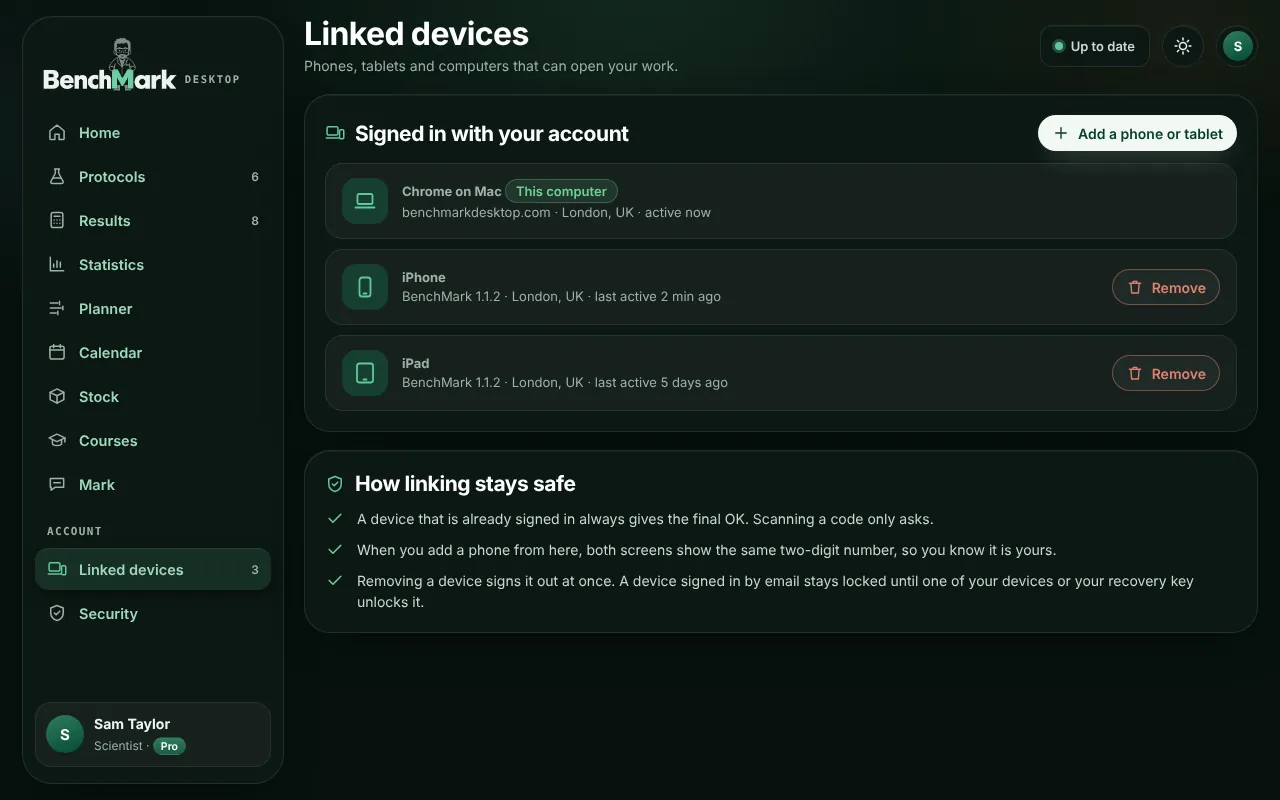
Turn on sync and your protocols, results, analyses, publication plans, stock, course badges and Mark chats follow you to your iPad and to BenchMark Desktop on any computer. Add a device by scanning a code, then approve it on one that’s already signed in, with Face ID, a fingerprint or a matching number. Changes reach your other devices within a minute. Your work is end-to-end encrypted on your device before it’s uploaded, so only your devices can read it, and your recovery key gets you back in if you lose them. On one phone you don’t need an account at all.
And many more
Languages, offline use and more
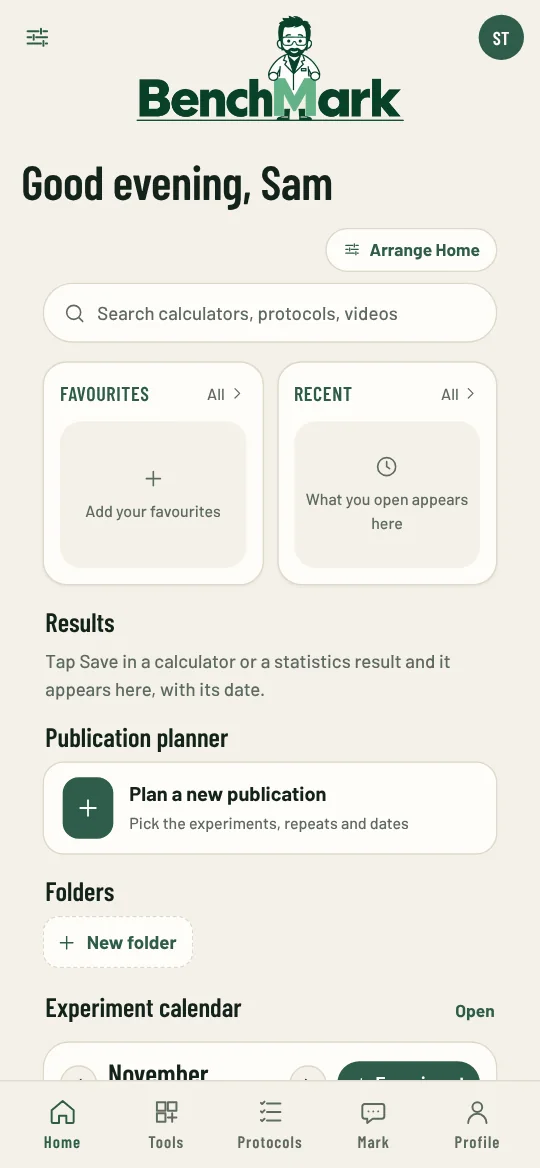
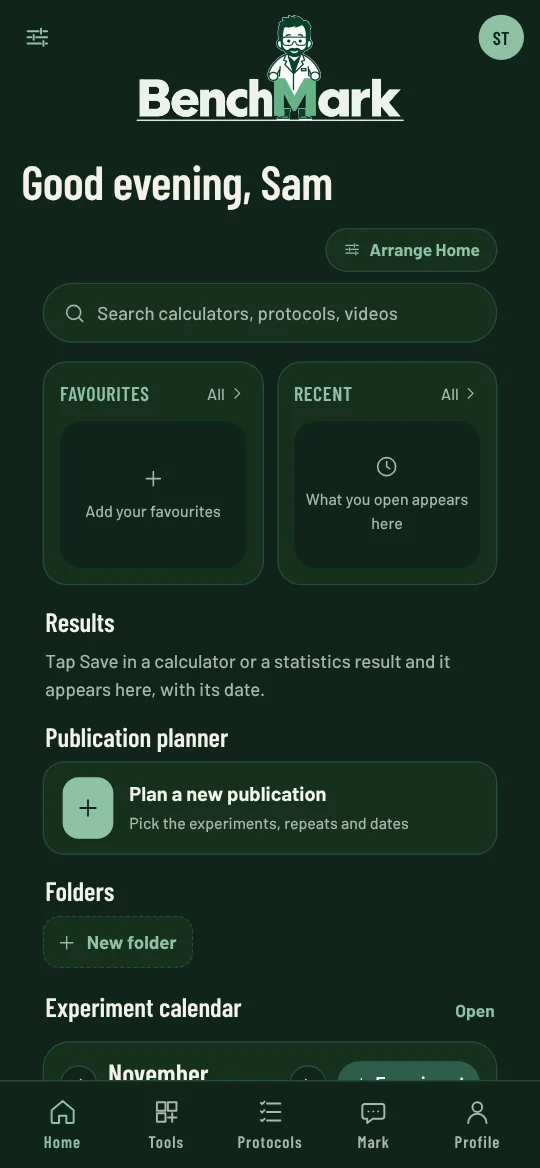
BenchMark works in ten languages, in light or dark. Home is set up for a student, a scientist or a lab leader, and you can arrange it your way, with folders for your work and a calendar for your experiments and next steps. Calculators and protocols work offline, and each video plays offline once it has downloaded. Export your work to Markdown, CSV or JSON, and use teaching mode and usage reports with Campus. New calculators, courses and videos arrive with regular updates.
Suggest a feature
Tell us about the calculator, protocol, course or tool you’d like to see. A person reads every suggestion.